

Fortnite Performance Mode: DX11 vs DX12 Tested
Legacy Performance Mode produced more FPS and higher lows in our test, while DX12 Performance Mode had fewer noticeable random drops. Here is how to choose.
Leer guía (English)Guías prácticas para optimizar tu PC, subir FPS, reducir input lag, mejorar la BIOS, corregir stutter y conseguir rendimiento gaming más estable.
Legacy Performance Mode produced more FPS and higher lows in our test, while DX12 Performance Mode had fewer noticeable random drops. Here is how to choose.
Leer guía (English)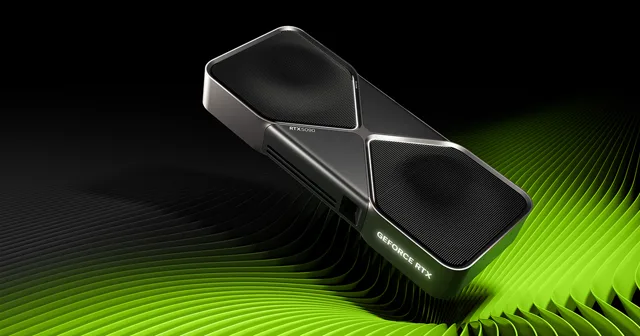
Before changing NVIDIA settings, verify that the RTX 5090 has the PCIe bandwidth, power connection, PSU capacity, drivers, and cooling it needs under load.
Leer guía (English)
X3D Gaming Mode can disable SMT, global C-states, and a second CCD. That can help selected games, but it is usually the wrong global setting.
Leer guía (English)
Keep games on the Ryzen 9 9950X3D's V-Cache CCD. Process Lasso is our preferred method for better performance and consistent CCD0 placement.
Leer guía (English)
Find your NVIDIA GPU's stable core and memory ceiling first, then reduce voltage while preserving as much of that performance as possible.
Leer guía (English)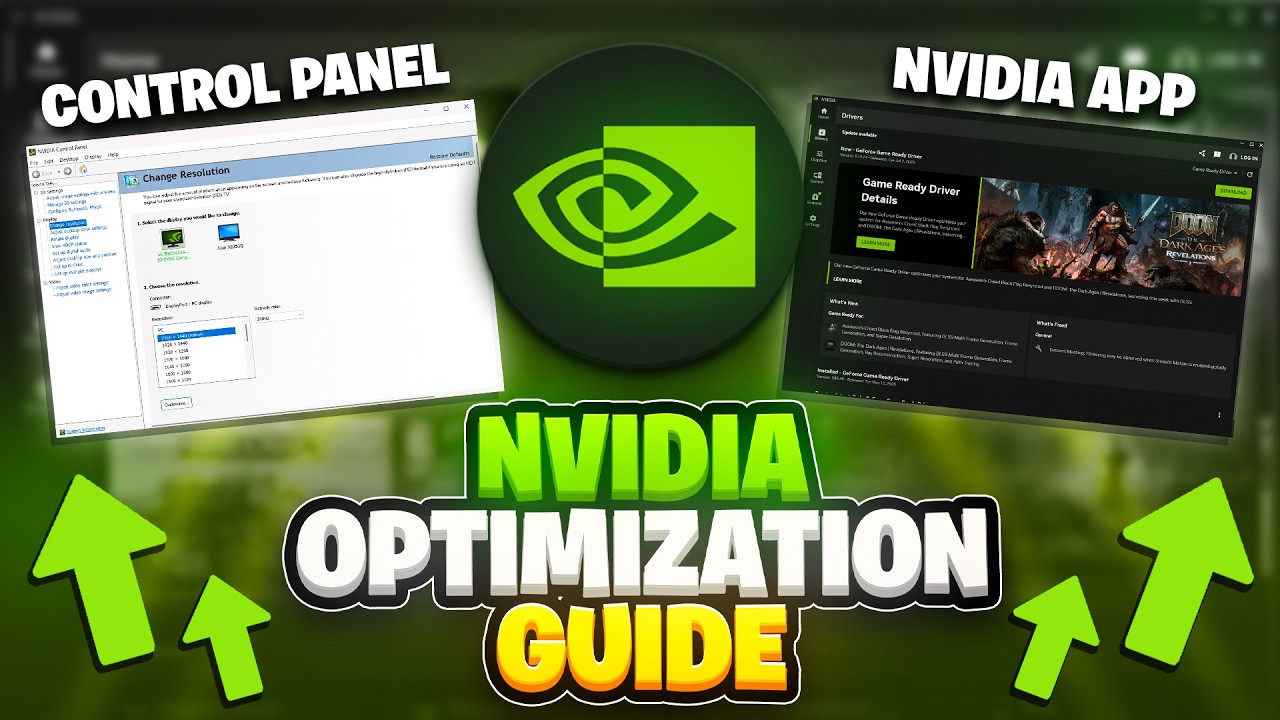
Start with the driver, check GPU-Z, verify your PCIe connection, then set up the NVIDIA App for cleaner FPS, lower delay, and fewer setup mistakes.
Leer guía (English)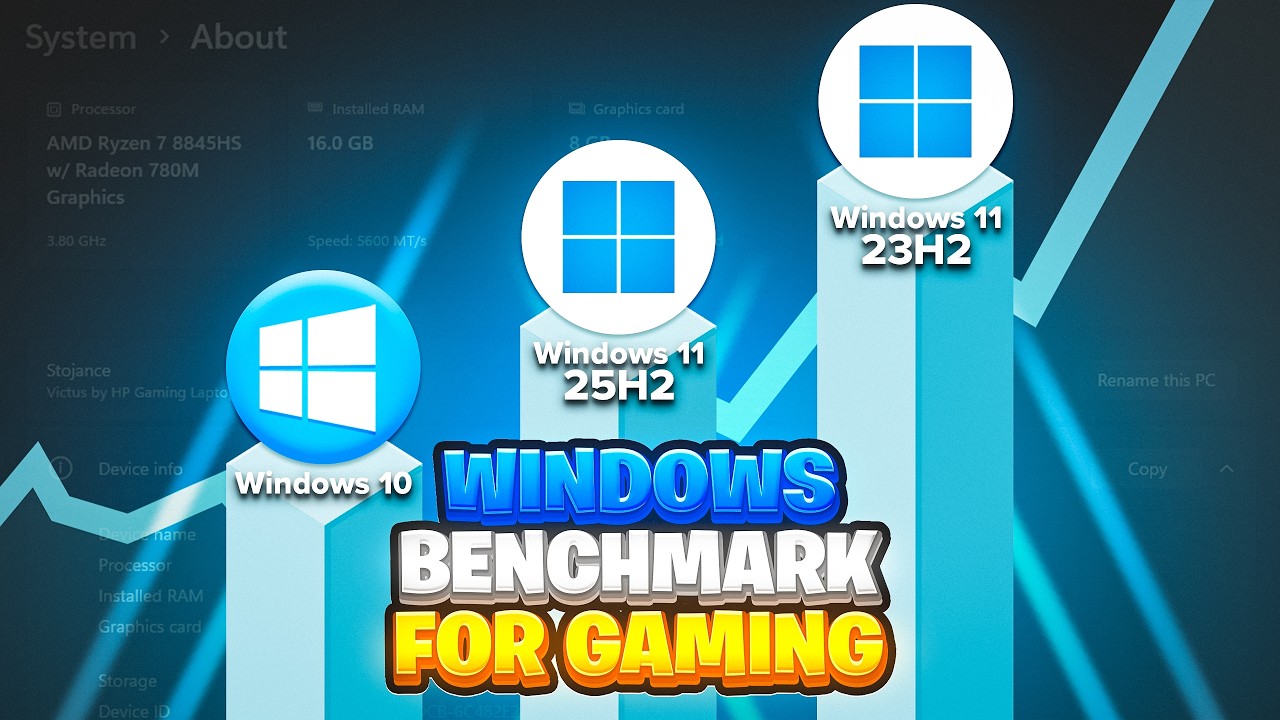
I tested all three Windows versions on the same optimized system with a Ryzen 7 7800X3D and RTX 4080. Here is what the benchmarks actually show in Fortnite, Call of Duty, and CS2.
Leer guía (English)
The current Fortnite update changed how you should think about settings. This covers everything: launcher, in-game, rendering mode, Nvidia Control Panel, and Windows.
Leer guía (English)
A stock Ryzen 5 3600 and GTX 1650 looked finished in 2026. After BIOS, RAM, Windows, driver, and game tuning, it became a playable competitive PC again.
Leer guía (English)
Complete PC Optimization Guide
Leer guía (English)
Your game might be running in the worst possible presentation mode right now - and you have absolutely no idea. This one setting is adding input lag that no mouse, no monitor, and no PC upgrade will ever fix. Here's how to check it and correct it in under 60 seconds.
Leer guía (English)
Configure AMD DDR5 frequency, voltages, primary timings, and subtimings around the actual memory IC and controller instead of copying one universal preset.
Leer guía (English)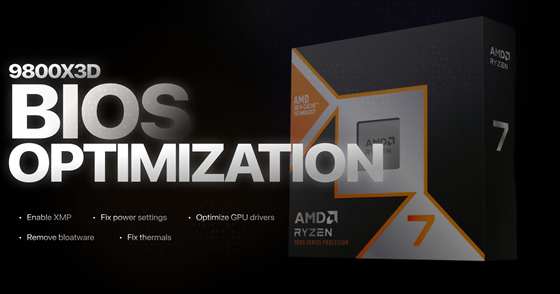
This is the exact BIOS configuration I run on every 9800X3D system that comes through Xilly, from BIOS updates through Precision Boost Overdrive, Curve Optimizer, memory tuning, and fan control.
Leer guía (English)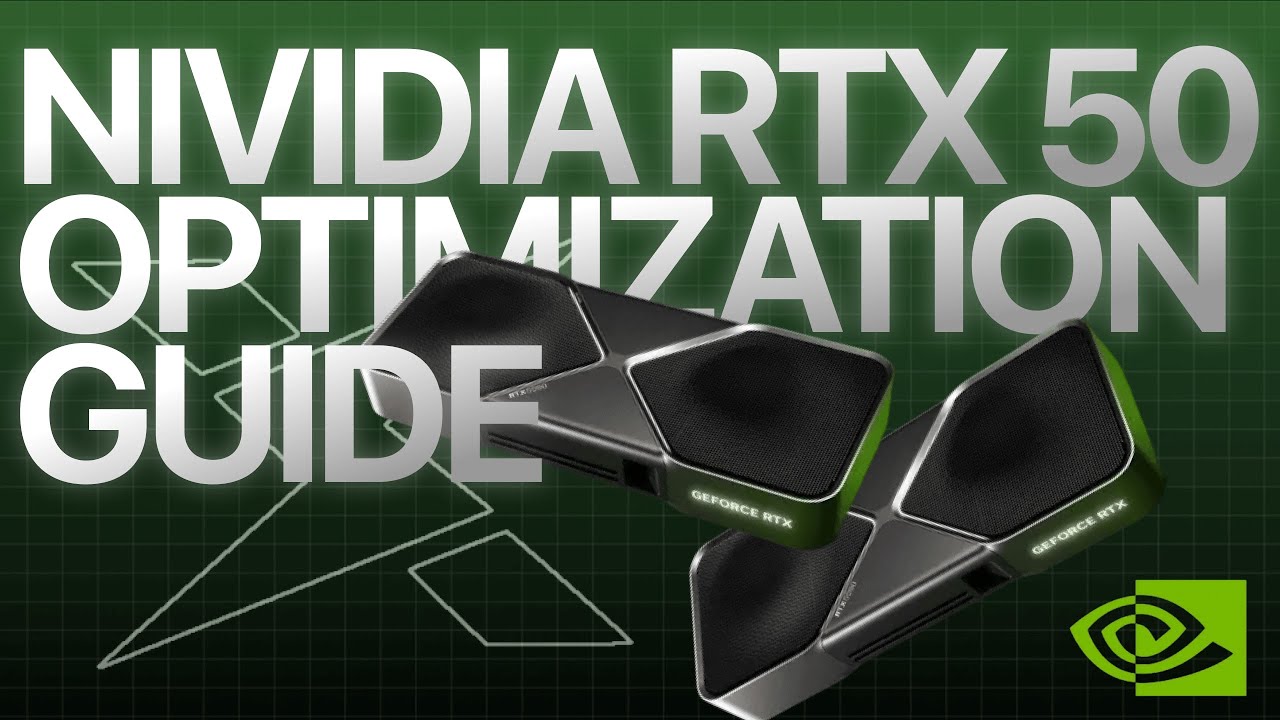
A practical RTX 5090 and 50-series setup covering clean drivers, NVIDIA settings, Profile Inspector, Resizable BAR, and measured GPU tuning without promising one universal gain.
Leer guía (English)
There are not five interchangeable services we can honestly endorse. This guide compares the main optimization approaches, their limits, and the evidence buyers should require.
Leer guía (English)
We compared Xilly Core with another paid PC optimization service on the same test system. The provider remains anonymous so the focus stays on scope, methodology, and measured results.
Leer guía (English)
Start with unused motherboard utilities: ASUS Armoury Crate, MSI Center with its SDK, and Gigabyte Control Center. Remove what you do not need without breaking hardware controls.
Leer guía (English)
Find why your computer or laptop is running slow, identify the resource under pressure, and choose a fix based on the symptom rather than a cleanup checklist.
Leer guía (English)
A Windows stop code is a clue, not a complete diagnosis. Use a safe sequence to investigate “your device ran into a problem” errors without guessing at drivers.
Leer guía (English)
Separate download speed, latency and packet loss. Test one PC against another device before changing network settings or buying a gaming router.
Leer guía (English)
Diagnose one frozen program versus a whole-PC lockup. Preserve your work and use a repeatable process for software conflicts, memory, storage and temperature.
Leer guía (English)
A high average FPS can hide uneven frame delivery. Identify shader stutter, CPU/GPU limits, resource pressure and network problems before changing settings.
Leer guía (English)
100% disk activity does not mean the drive is full. Check the workload and response time before disabling services or replacing an SSD.
Leer guía (English)
High CPU usage is not automatically a fault. Diagnose sustained background load, game bottlenecks and clock-speed problems before applying a fix.
Leer guía (English)
90% RAM usage is a signal to investigate, not proof of bad memory. Separate useful caching from memory pressure, application growth and insufficient capacity.
Leer guía (English)
Time the stage before Windows, the login screen and the desktop separately. Startup apps cannot explain every long boot, especially on DDR5 systems.
Leer guía (English)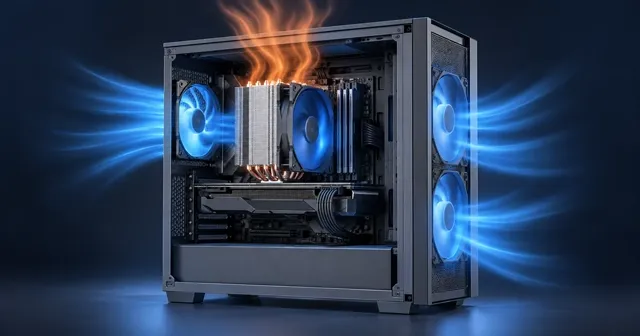
A loud fan does not automatically mean overheating. Compare workload, temperature and clock behavior, then check cooling without disabling thermal protection.
Leer guía (English)
Legacy Performance Mode produced more FPS and higher lows in our test, while DX12 Performance Mode had fewer noticeable random drops. Here is how to choose.
Leer guía (English)
Before changing NVIDIA settings, verify that the RTX 5090 has the PCIe bandwidth, power connection, PSU capacity, drivers, and cooling it needs under load.
Leer guía (English)
X3D Gaming Mode can disable SMT, global C-states, and a second CCD. That can help selected games, but it is usually the wrong global setting.
Leer guía (English)
Keep games on the Ryzen 9 9950X3D's V-Cache CCD. Process Lasso is our preferred method for better performance and consistent CCD0 placement.
Leer guía (English)
Find your NVIDIA GPU's stable core and memory ceiling first, then reduce voltage while preserving as much of that performance as possible.
Leer guía (English)
Start with the driver, check GPU-Z, verify your PCIe connection, then set up the NVIDIA App for cleaner FPS, lower delay, and fewer setup mistakes.
Leer guía (English)
I tested all three Windows versions on the same optimized system with a Ryzen 7 7800X3D and RTX 4080. Here is what the benchmarks actually show in Fortnite, Call of Duty, and CS2.
Leer guía (English)
Install a completely separate Windows as a dual boot without touching your current setup and without a USB drive. Just an ISO, a script, and a partition.
Leer guía (English)
The current Fortnite update changed how you should think about settings. This covers everything: launcher, in-game, rendering mode, Nvidia Control Panel, and Windows.
Leer guía (English)
A stock Ryzen 5 3600 and GTX 1650 looked finished in 2026. After BIOS, RAM, Windows, driver, and game tuning, it became a playable competitive PC again.
Leer guía (English)
Complete PC Optimization Guide
Leer guía (English)
Your game might be running in the worst possible presentation mode right now - and you have absolutely no idea. This one setting is adding input lag that no mouse, no monitor, and no PC upgrade will ever fix. Here's how to check it and correct it in under 60 seconds.
Leer guía (English)
Configure AMD DDR5 frequency, voltages, primary timings, and subtimings around the actual memory IC and controller instead of copying one universal preset.
Leer guía (English)
This is the exact BIOS configuration I run on every 9800X3D system that comes through Xilly, from BIOS updates through Precision Boost Overdrive, Curve Optimizer, memory tuning, and fan control.
Leer guía (English)
A practical RTX 5090 and 50-series setup covering clean drivers, NVIDIA settings, Profile Inspector, Resizable BAR, and measured GPU tuning without promising one universal gain.
Leer guía (English)
A step-by-step guide to optimizing Intel i9 performance on Gigabyte Z790 motherboards, preventing CPU degradation and ensuring stable gaming performance.
Leer guía (English)
There are not five interchangeable services we can honestly endorse. This guide compares the main optimization approaches, their limits, and the evidence buyers should require.
Leer guía (English)
We compared Xilly Core with another paid PC optimization service on the same test system. The provider remains anonymous so the focus stays on scope, methodology, and measured results.
Leer guía (English)