
Published October 8, 2026 - Updated October 8, 2026 - By Xilly
Spotifast: A Lightweight Spotify App for Gaming PCs
Spotify running in the background while you play? Spotifast is a free, open-source desktop app that plays your Spotify Premium library with a smaller footprint. Here is what it does and how to check it on your own PC.
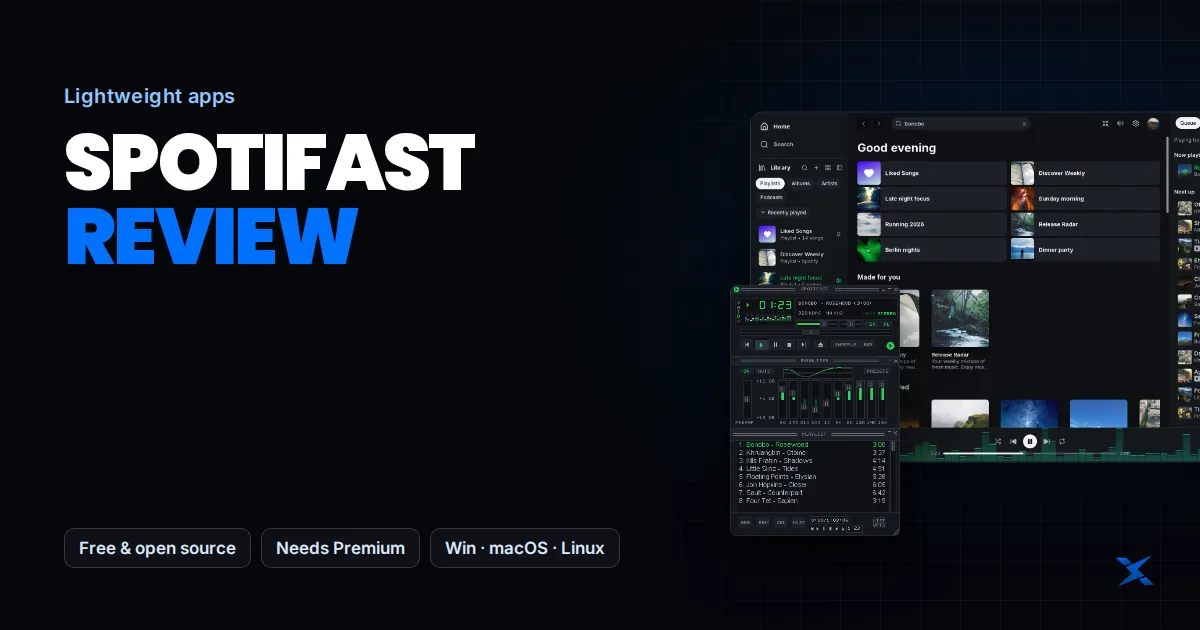
Lightweight Apps · Windows, macOS & Linux
Most players leave Spotify running while they game. The official desktop app is built on a browser engine, so it keeps several processes and a fair amount of memory busy in the background. Spotifast is a free, open-source app that plays the same Spotify account with a smaller footprint.
What Spotifast is
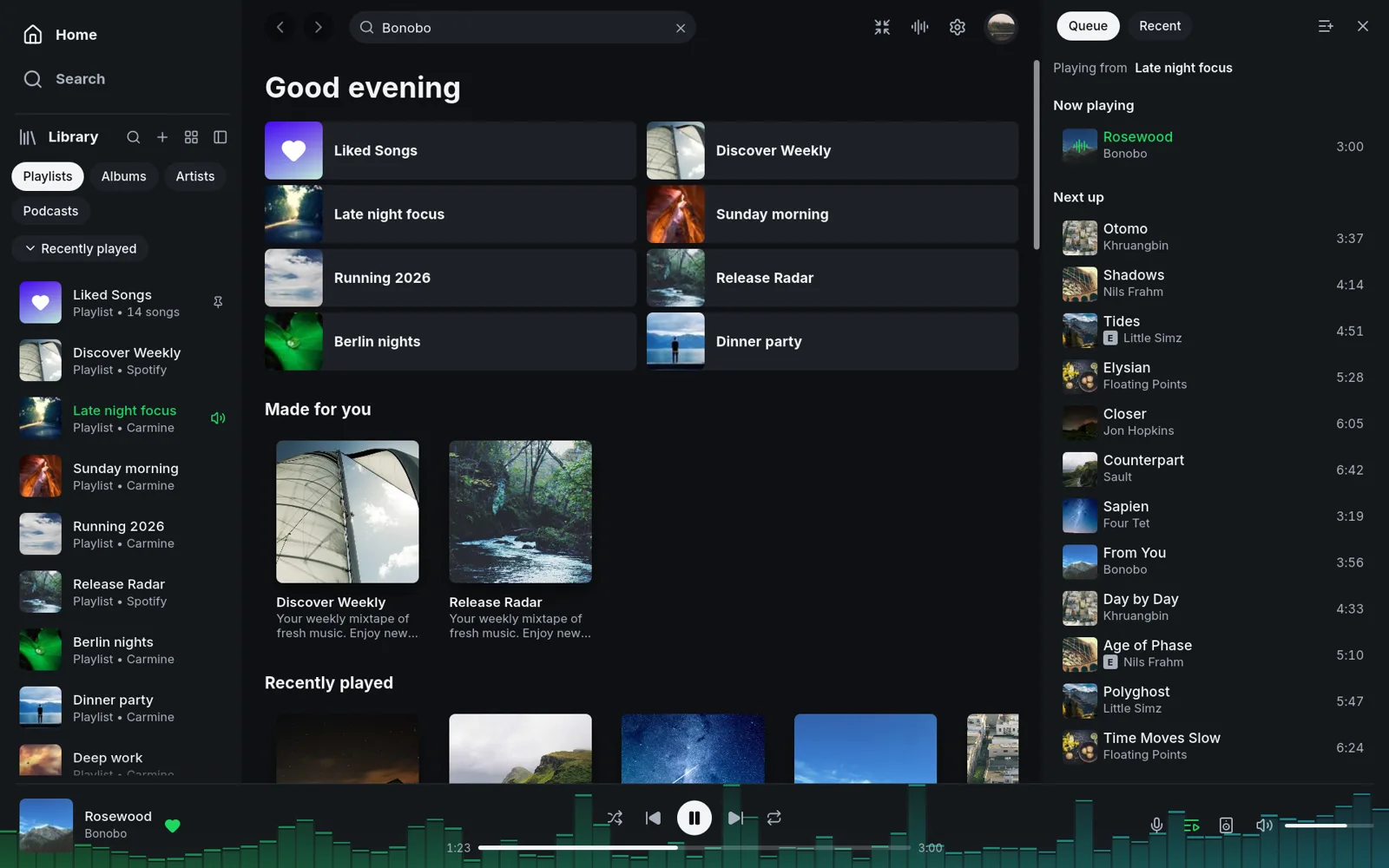
Spotifast is an independent desktop app made by Carmine Paolino and built in Rust instead of a browser engine. It is not a modified Spotify client, it does not block ads, and it does not unlock anything.
Open source under the MIT licence. Code and releases are on GitHub.
Playback needs a Spotify Premium account, same as Spotify Connect.
Plays on your PC, or controls Spotify on your phone, speakers or TV.
Spotifast is not affiliated with or endorsed by Spotify. Spotify can change how its service works, which can break features until the app is updated.
What it can do
- Your library: playlists, Liked Songs, albums, artists and podcasts, plus editing playlists you own.
- Themes: light, dark or custom.
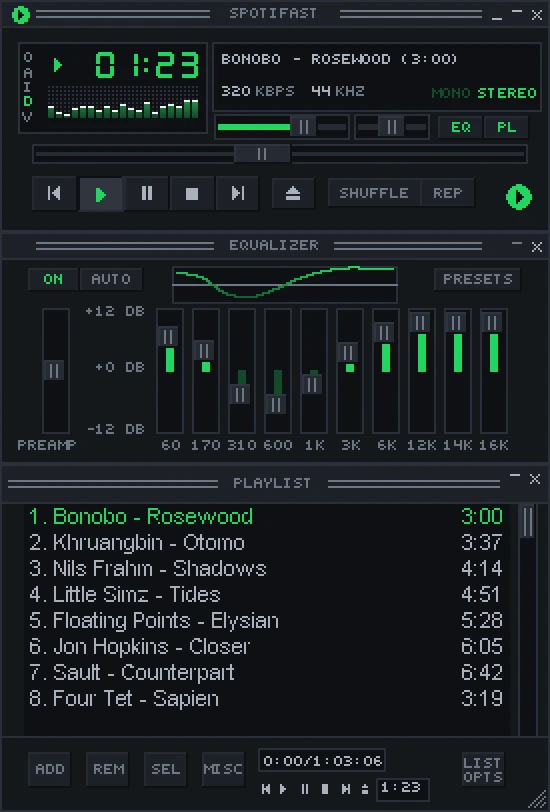
- Mini player: a small Winamp-style player with skins and an equalizer.
- Visualizations: MilkDrop presets.
- Media keys and shortcuts: skip tracks without tabbing out of a game.
Is it actually lighter?
The project says Spotifast opens in well under a second and typically uses about 100–250 MB of memory. Those are the developer's numbers, not a Xilly benchmark. Memory use depends on your library, the features you use and the version, so check it on your own PC.
- 1Start clean
Restart your PC and let it settle for a minute.
- 2Measure the official app
Open Spotify, play a song for two minutes, then open Task Manager with
Ctrl + Shift + Esc. Expand the Spotify group and add up memory and CPU for all of its processes. - 3Measure Spotifast
Quit Spotify from the tray icon, then repeat the same steps with Spotifast.
- 4Check in game
Play the same scene with each app running and compare 1% lows and frame-time consistency, not just average FPS.
On a PC with 32 GB of RAM and a strong CPU you may not see a difference in game. It helps most on 16 GB systems, or when Discord, a browser and OBS are already running next to your game.
How to install it safely
- 1Download from the official source
Use spotifast.rocks or the GitHub releases page. Avoid repacks and mirror sites.
- 2Sign in
Install it and sign in with your Spotify Premium account.
- 3Choose where it plays
Play on this PC, or control another Spotify device.
- 4Stop the official app at startup
If you switch for good, turn off Spotify in
Task Manager → Startup appsso both are not loading at boot.
Background apps are only one piece
Swapping your music app is an easy way to trim background load, but it is rarely what holds a gaming PC back. BIOS settings, memory configuration, Windows background services, drivers and game settings usually matter far more.
Core covers BIOS, Windows, drivers and game setup live on your PC. Competitive adds CPU, RAM and GPU overclocking. Neither promises a fixed FPS increase.
Frequently asked questions
Frequently Asked Questions
Is Spotifast free?
Yes. The app is free and open source. You still need a Spotify Premium subscription to play music.
Does Spotifast block Spotify ads?
No. It is not an ad blocker or a modified Spotify client. Playback requires Spotify Premium, which has no ads.
Is Spotifast made by Spotify?
No. It is an independent project and is not affiliated with or endorsed by Spotify.
Will it give me more FPS?
It can reduce background memory and CPU use compared with the official app, but any in-game difference depends on your PC. Measure it with the same scene and settings rather than expecting a set gain.
Does it work on Windows 11?
Spotifast lists Windows, macOS and Linux support. Download the Windows build from the official GitHub releases page.