

Best PC Optimization Software for Gaming: Tools From Our Guides
Explore the tuning and monitoring tools covered in our guides. Find the right use case, read the steps or watch the walkthrough, then test on your own PC.
اقرأ الدليل (English)Input lag is usually a stack problem: display mode, render queue, drivers, CPU scheduling, and background latency all matter. These guides help you find the real bottleneck.
Explore the tuning and monitoring tools covered in our guides. Find the right use case, read the steps or watch the walkthrough, then test on your own PC.
اقرأ الدليل (English)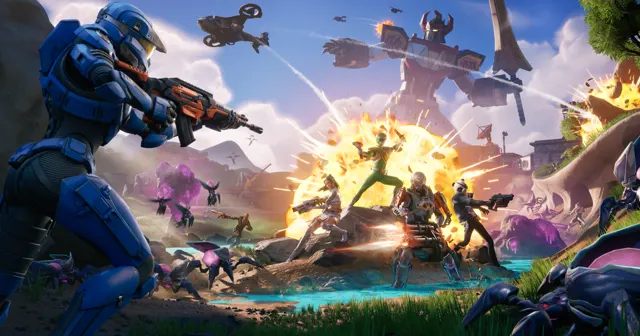
Legacy Performance Mode produced more FPS and higher lows in our test, while DX12 Performance Mode had fewer noticeable random drops. Here is how to choose.
اقرأ الدليل (English)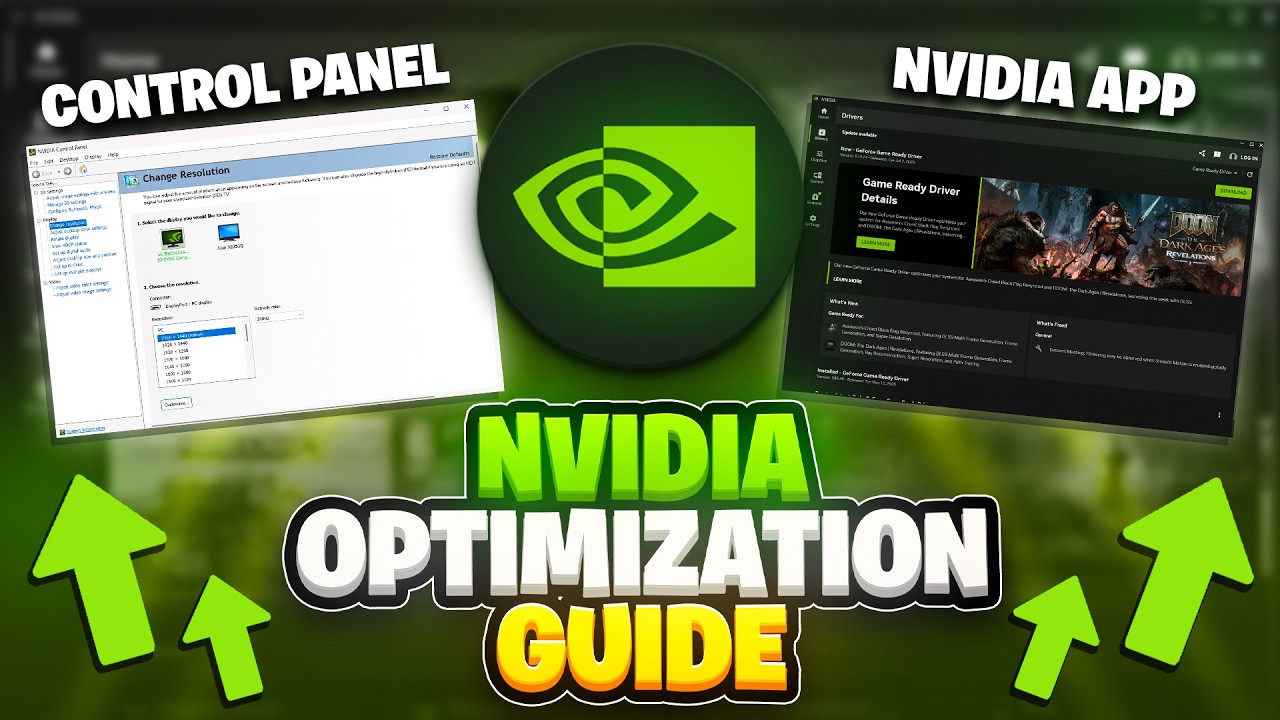
Start with the driver, check GPU-Z, verify your PCIe connection, then set up the NVIDIA App for cleaner FPS, lower delay, and fewer setup mistakes.
اقرأ الدليل (English)
The current Fortnite update changed how you should think about settings. This covers everything: launcher, in-game, rendering mode, Nvidia Control Panel, and Windows.
اقرأ الدليل (English)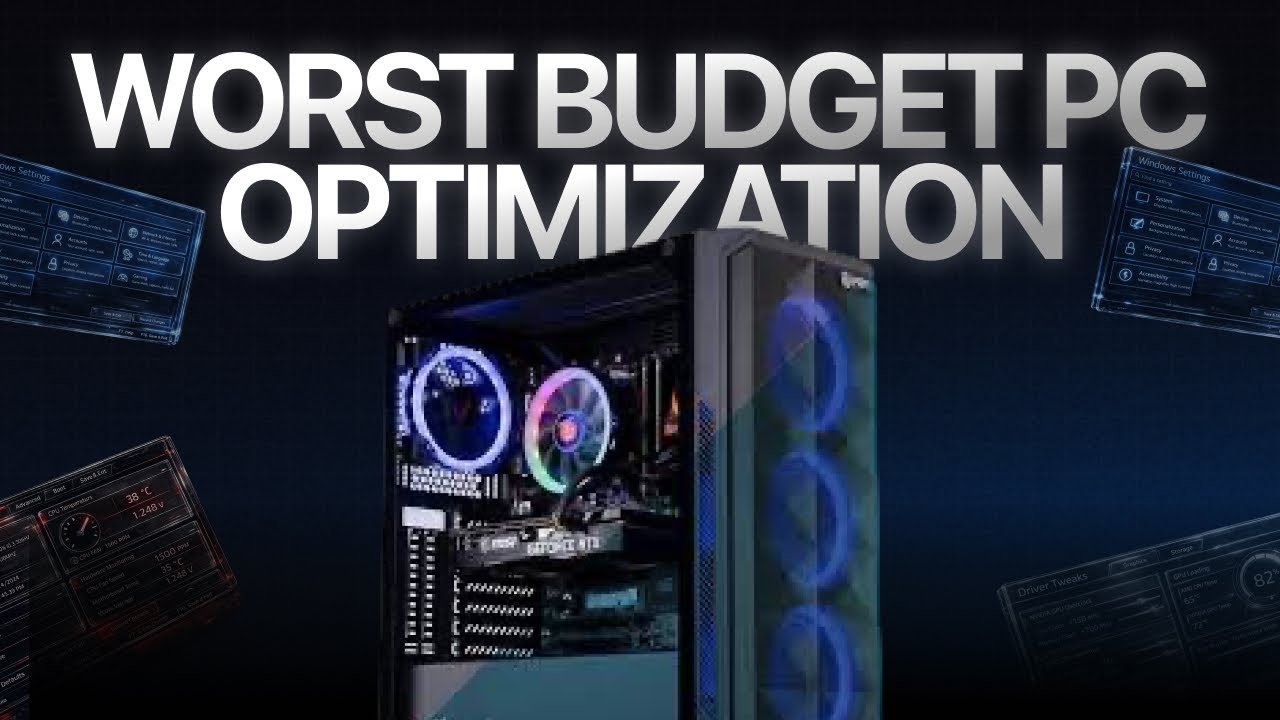
A stock Ryzen 5 3600 and GTX 1650 looked finished in 2026. After BIOS, RAM, Windows, driver, and game tuning, it became a playable competitive PC again.
اقرأ الدليل (English)
Complete PC Optimization Guide
اقرأ الدليل (English)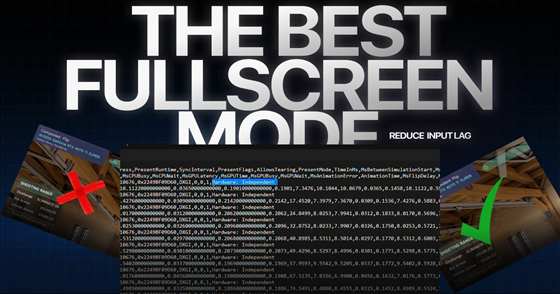
Your game might be running in the worst possible presentation mode right now - and you have absolutely no idea. This one setting is adding input lag that no mouse, no monitor, and no PC upgrade will ever fix. Here's how to check it and correct it in under 60 seconds.
اقرأ الدليل (English)
A practical RTX 5090 and 50-series setup covering clean drivers, NVIDIA settings, Profile Inspector, Resizable BAR, and measured GPU tuning without promising one universal gain.
اقرأ الدليل (English)