

How to Fix FPS Drops and Stuttering in PC Games
A high average FPS can hide uneven frame delivery. Identify shader stutter, CPU/GPU limits, resource pressure and network problems before changing settings.
Read guideGood game settings balance FPS, latency, clarity, and stability. These guides focus on settings that actually affect competitive play.
View Xilly PC optimization services and pricing
A high average FPS can hide uneven frame delivery. Identify shader stutter, CPU/GPU limits, resource pressure and network problems before changing settings.
Read guide
Legacy Performance Mode produced more FPS and higher lows in our test, while DX12 Performance Mode had fewer noticeable random drops. Here is how to choose.
Read guide
X3D Gaming Mode can disable SMT, global C-states, and a second CCD. That can help selected games, but it is usually the wrong global setting.
Read guide
Keep games on the Ryzen 9 9950X3D's V-Cache CCD. Process Lasso is our preferred method for better performance and consistent CCD0 placement.
Read guide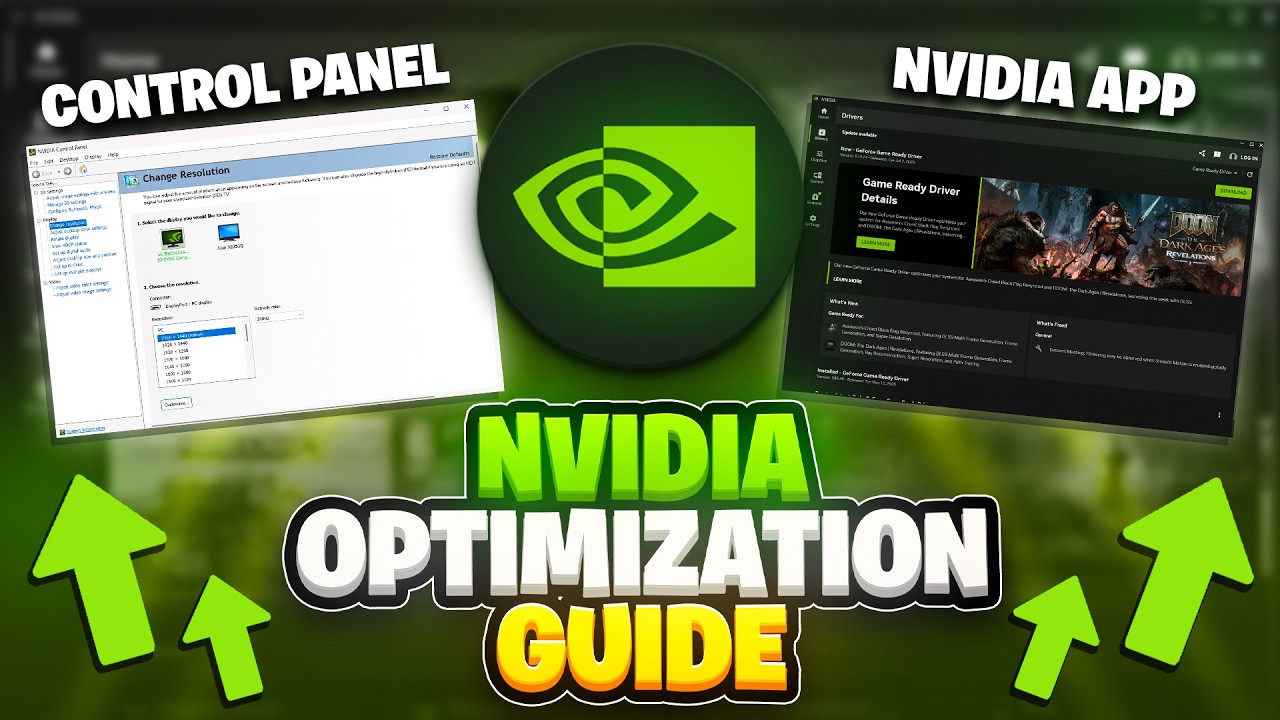
Start with the driver, check GPU-Z, verify your PCIe connection, then set up the NVIDIA App for cleaner FPS, lower delay, and fewer setup mistakes.
Read guide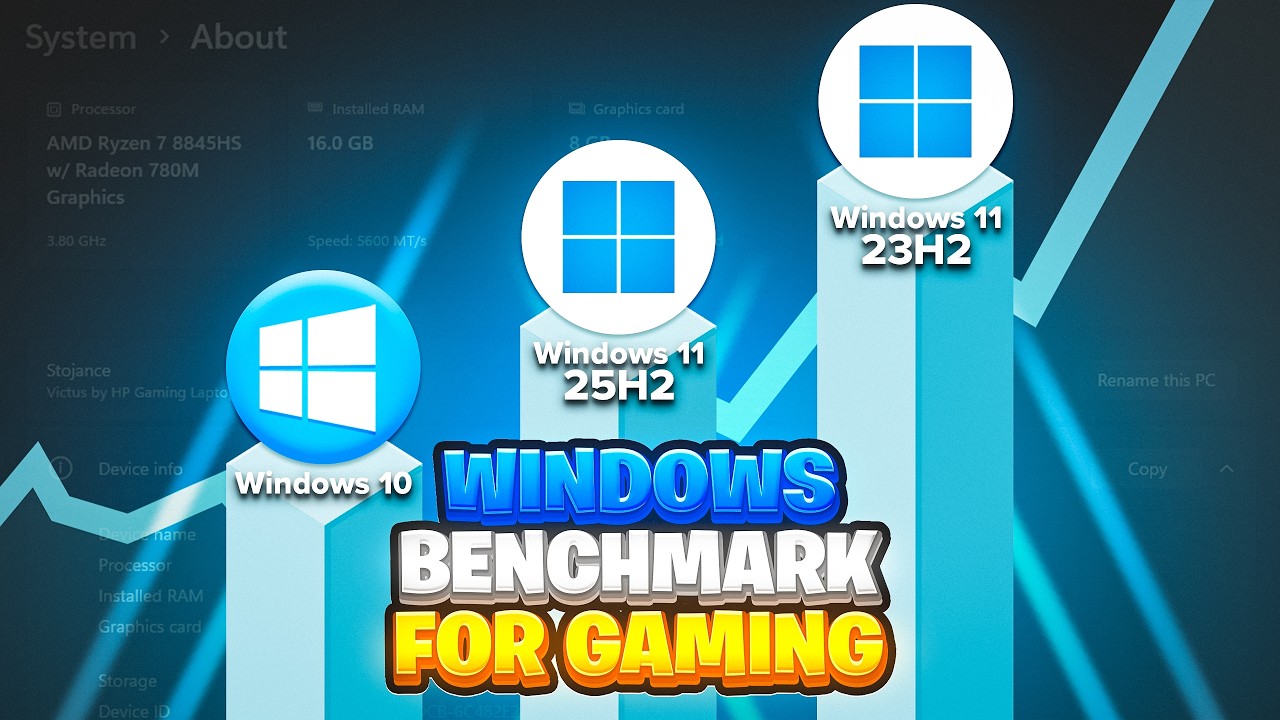
I tested all three Windows versions on the same optimized system with a Ryzen 7 7800X3D and RTX 4080. Here is what the benchmarks actually show in Fortnite, Call of Duty, and CS2.
Read guide
The current Fortnite update changed how you should think about settings. This covers everything: launcher, in-game, rendering mode, Nvidia Control Panel, and Windows.
Read guide
A stock Ryzen 5 3600 and GTX 1650 looked finished in 2026. After BIOS, RAM, Windows, driver, and game tuning, it became a playable competitive PC again.
Read guide
Complete PC Optimization Guide
Read guide
Your game might be running in the worst possible presentation mode right now - and you have absolutely no idea. This one setting is adding input lag that no mouse, no monitor, and no PC upgrade will ever fix. Here's how to check it and correct it in under 60 seconds.
Read guide